
CAUTION: Use of a Custom Logon is only for clients with Enterprise Manager.
To replace the RFMS LOGON account,
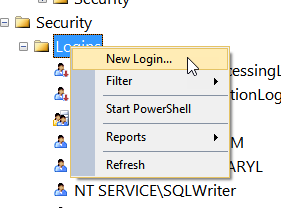
After installing RFMS create the custom account on the SQL Server and give it dbo access.
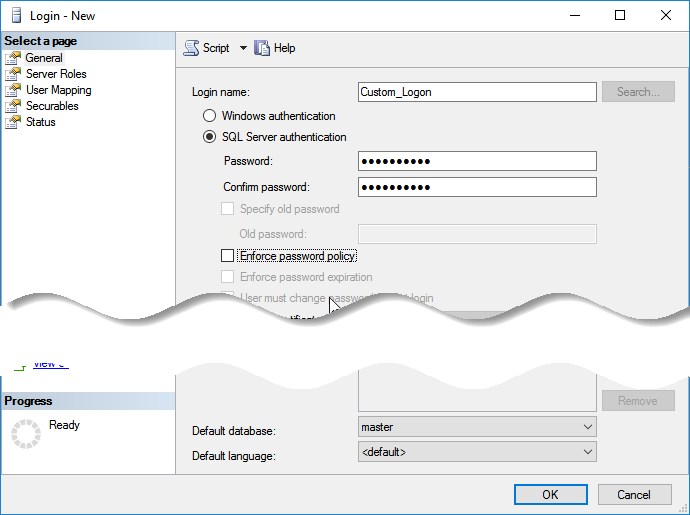
Then go to User Mapping (which gives this screen) and Select the RFMS database and check db_Owner:
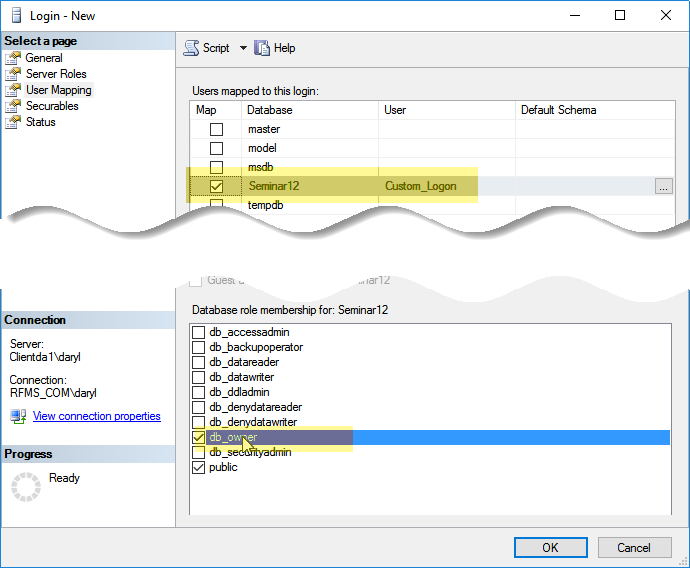
Press OK.
Then go to enterprise Manager:
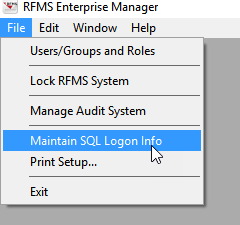
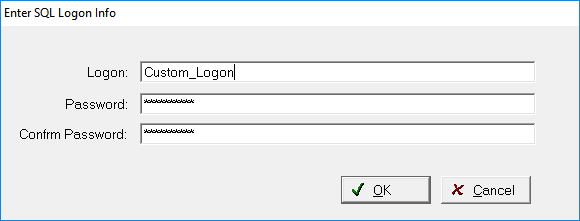
And press OK.
Then remove the RFMSLOGON login from the server.
Comments
Article is closed for comments.