
Do you have a few products in your Product file that you want to go inactive after a certain time, but you always forget to go back in and mark them inactive? Here is a quick tip to help you get that product marked inactive on the correct date.
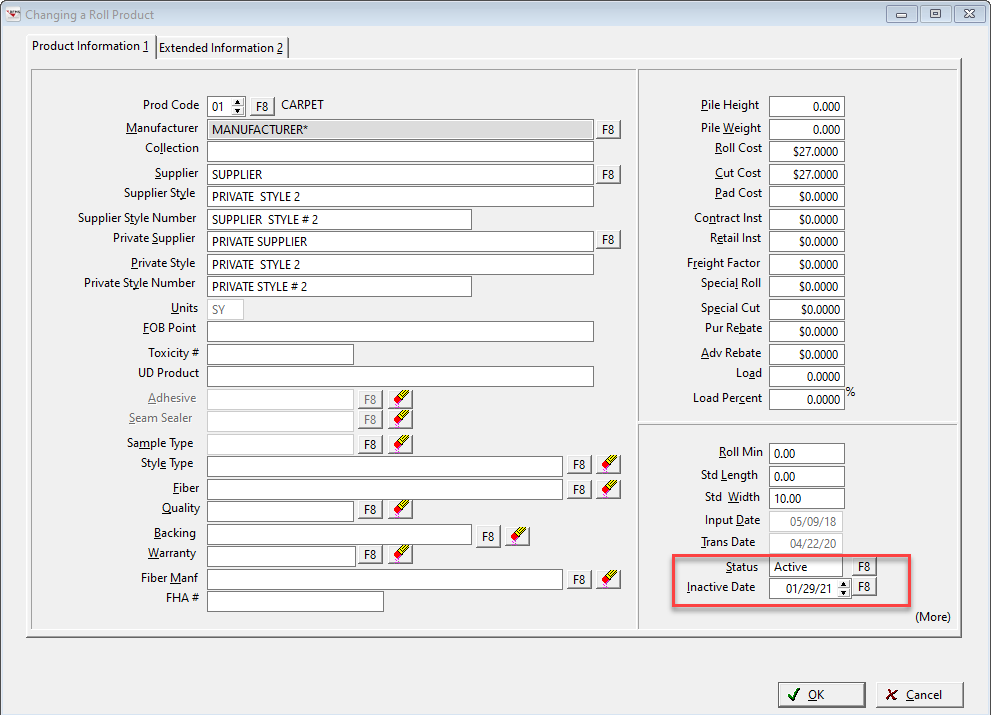
Enter the date on which this product will become inactive.
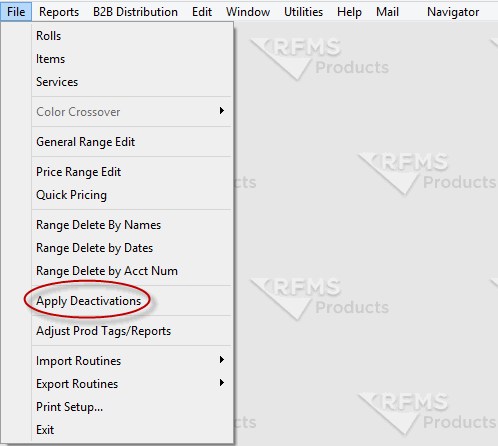
You may enter a future date but be sure to run Apply Deactivations on a regular basis to toggle the records to Inactive. From the Product main menu, click File>Apply Deactivations.
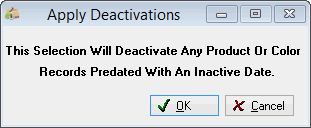
The following warning will appear.
Comments
Article is closed for comments.