
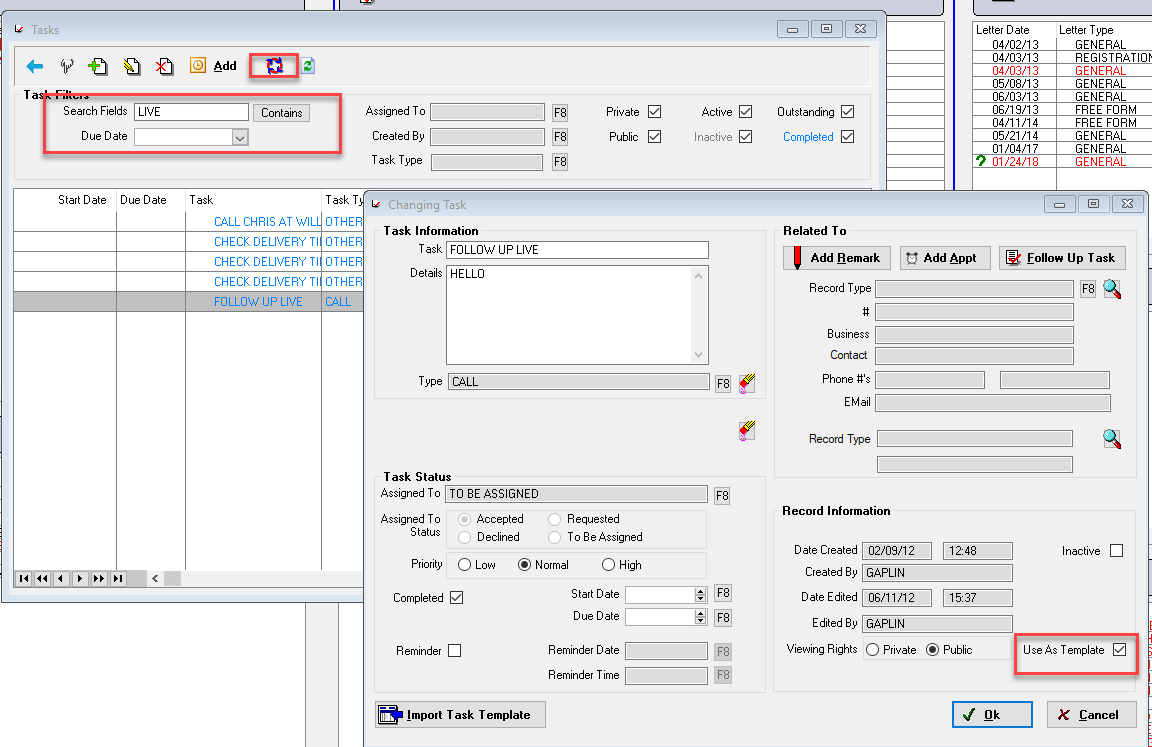
If you need to remove an Appointment Template, you need to find the appointment that it was created on and uncheck the "Use as Template" box.

To find the template record details
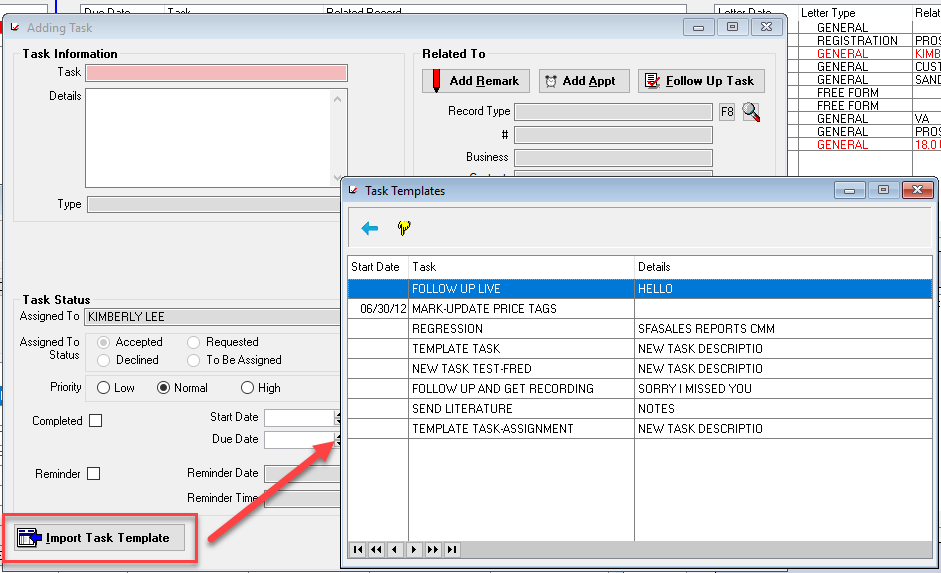
Add a new record
Click the Import Template Button
Note the details of the Template
Find the template record
Go to the record browse list
Search by the date or title of the template record
Comments
Article is closed for comments.