
If you already have a Practice database, you simply need to open your RFMS folder and find the file CopyToPractice.
IMPORTANT:
Make sure no users are in your RFMS Practice Company when performing this function.
Double click on the CopyToPractice file that looks like this:

The following window will appear:
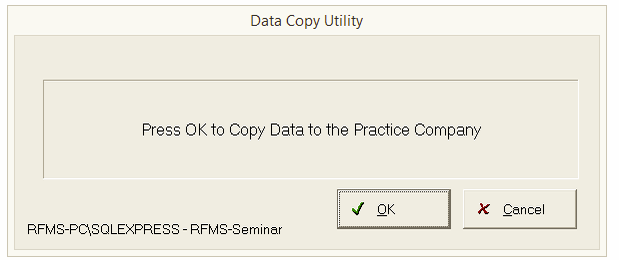
Click OK to begin the process of copying your live database files to the practice database.

A practice database must be created before the CopyToPractice utility can be run, if you have not created that database, please refer to How To Setup A https://rfmsinc.zendesk.com/hc/en-us/articles/115012573387-How-to-Setup-a-Test-and-Practice-EnvironmentTest And Practice Environment
Comments
Article is closed for comments.