
Products>Reports>Color List Report
The Color List Report allows print colors and descriptions based on the products file.
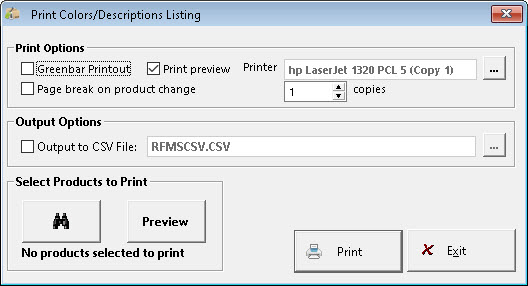
Printing Options
Use Greenbar Printout - This option prints highlights on every other line on the color section, making the printout more easily read.
Page Break on Product Change - This option prints a page break after each Product name (style).
Output Options
Output to CSV – Type in the Location the CSV file will be saved.
Select Products to Print
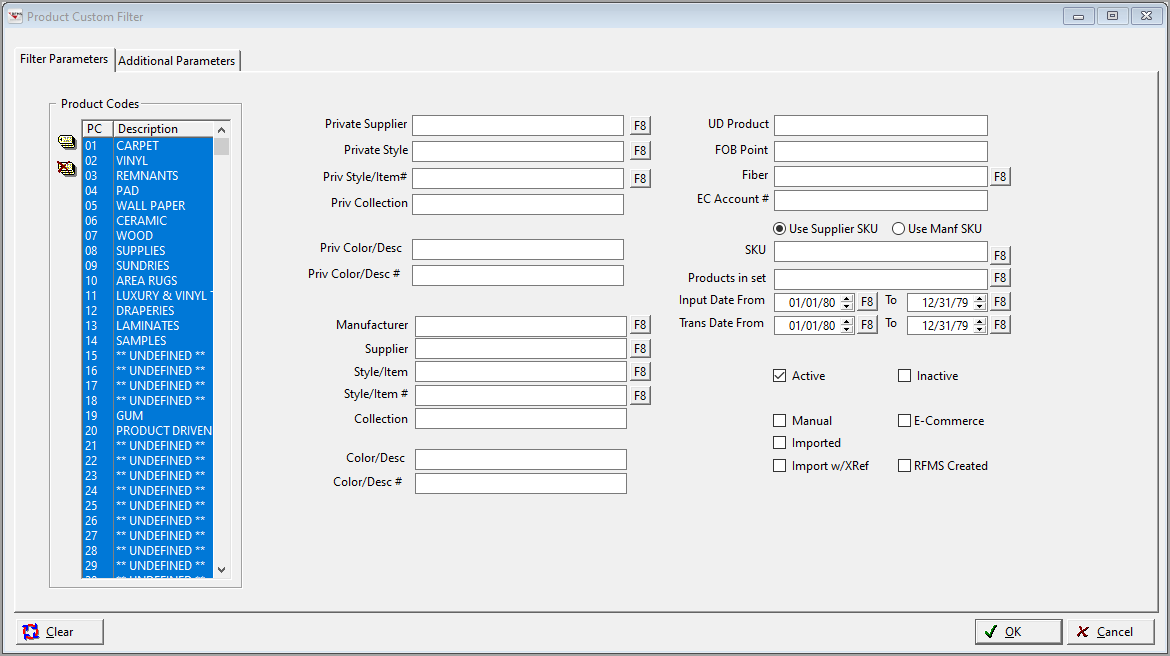
Use the Product Custom Filter to select the Products to Print and then Preview to select more specific products.
Comments
Article is closed for comments.