
Full Cut Machine User Guide
Creating a Work Order file
You must post your cuts to a Work Order file before you can retrieve the cuts in the RFMS Cut Machine software.
- Enter an order with lines containing Roll Inventory.
- If the line has multiple cuts for this Roll, add them to areas.
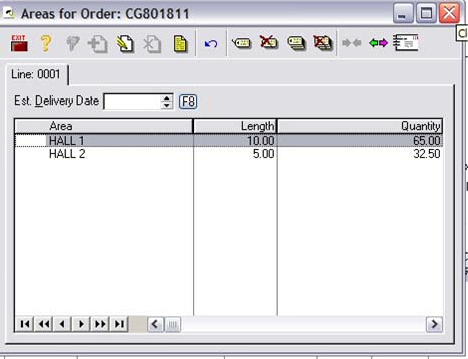
-
When you print a picking ticket, for rolls in a cut status on that Picking Ticket, RFMS will post the cuts from to a Work Order file to a file named TXT.
- The multiple cust for the areas will be listed.
Getting new cuts
This allows you to get cuts from RFMS and send these cuts over to the RFMS Cut Machine software.
- Launch Cut Software.
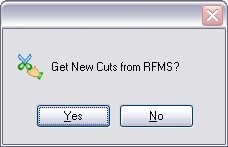
- Press Get New Cuts from RFMS and click yes when the Get New Cuts from RFMS dialog box displays.
- This will load the cut software file with the information from the CUTS.TXT.
Post Cuts to RFMS
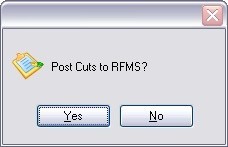
This will load information from the cut software into the CUTSMADE.TXT for RFMS Order Entry under File, Cutting Table.
Comments
Article is closed for comments.