
X>Window
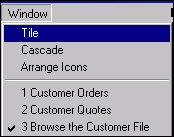
Window Arrangement
Options are:
Tiled

Cascaded
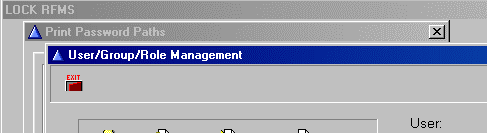
Arrange Icons
If multiple RFMS screens are opened and minimized, this will arrange them neatly across the bottom of the RFMS screen.
From this:
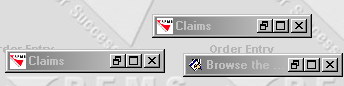
To this:

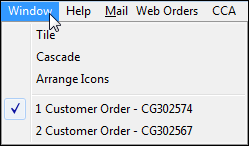
Open Windows
The bottom part of the screen lists all windows open in the current module. The one currently being viewed is checked. To view a different window, click it with the mouse.
If the screen seems to be locked it is possible other screens are open, but minimized. Click the windows menu to display a list of all open windows.
Comments
Article is closed for comments.