
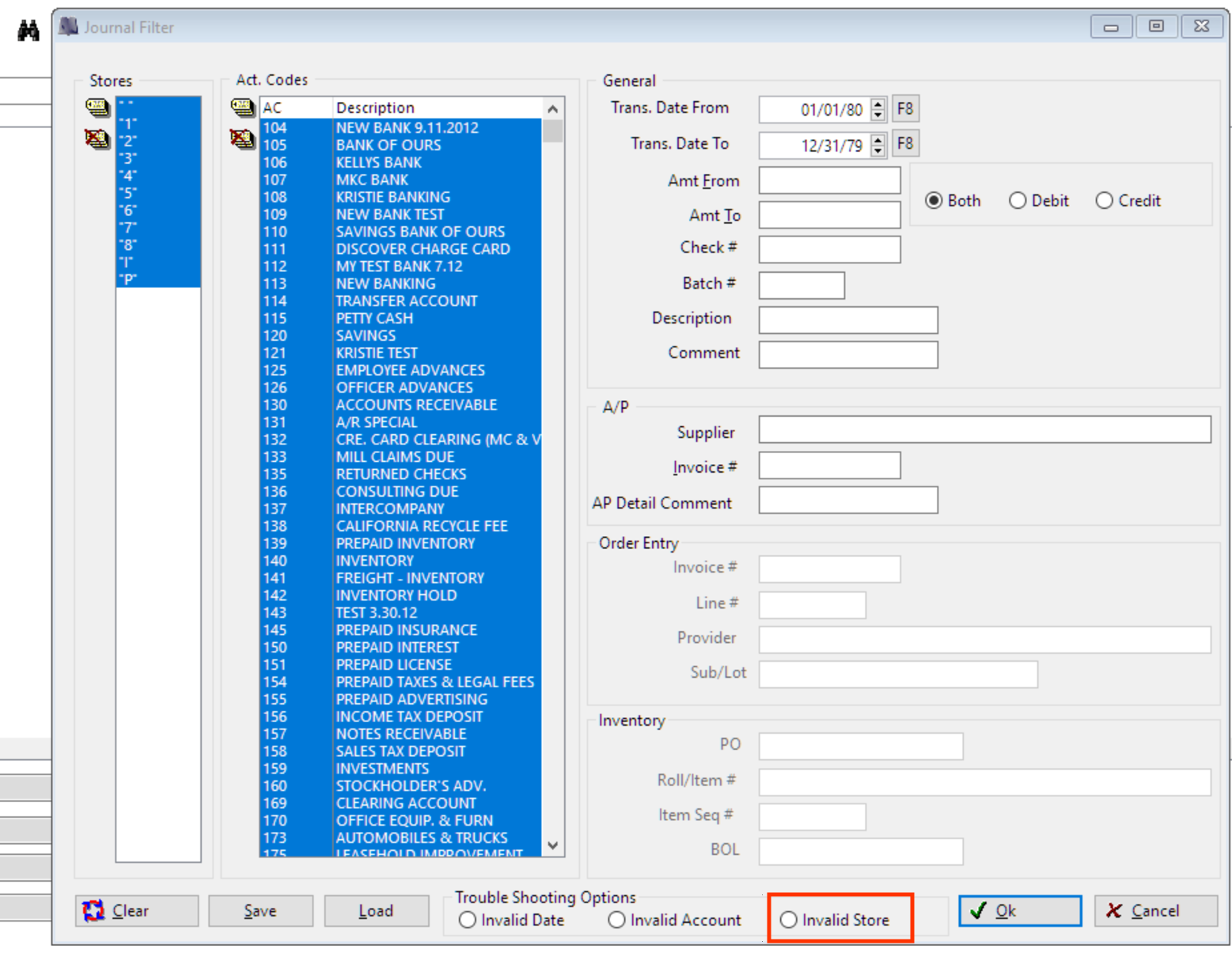
To identify the exact record that's causing the issue, go to Accounting>Utilities>GL Utilities>Add/View/Edit Journal. Obtain an access code to access this section. Click Binoculars; select all Stores and all Account Codes. On the bottom, select Invalid Store radio button, click OK. This will show which record is causing the issue. Double click and edit the store.
ALTERNATIVE OPTION TO FIX ERROR
This error also can be corrected by going to Order Entry>Utilities>Fix>Stores. Obtain an access code to run this fix. Select the store to receive all found orphan records and click Process.

Comments
Article is closed for comments.