
Cause:
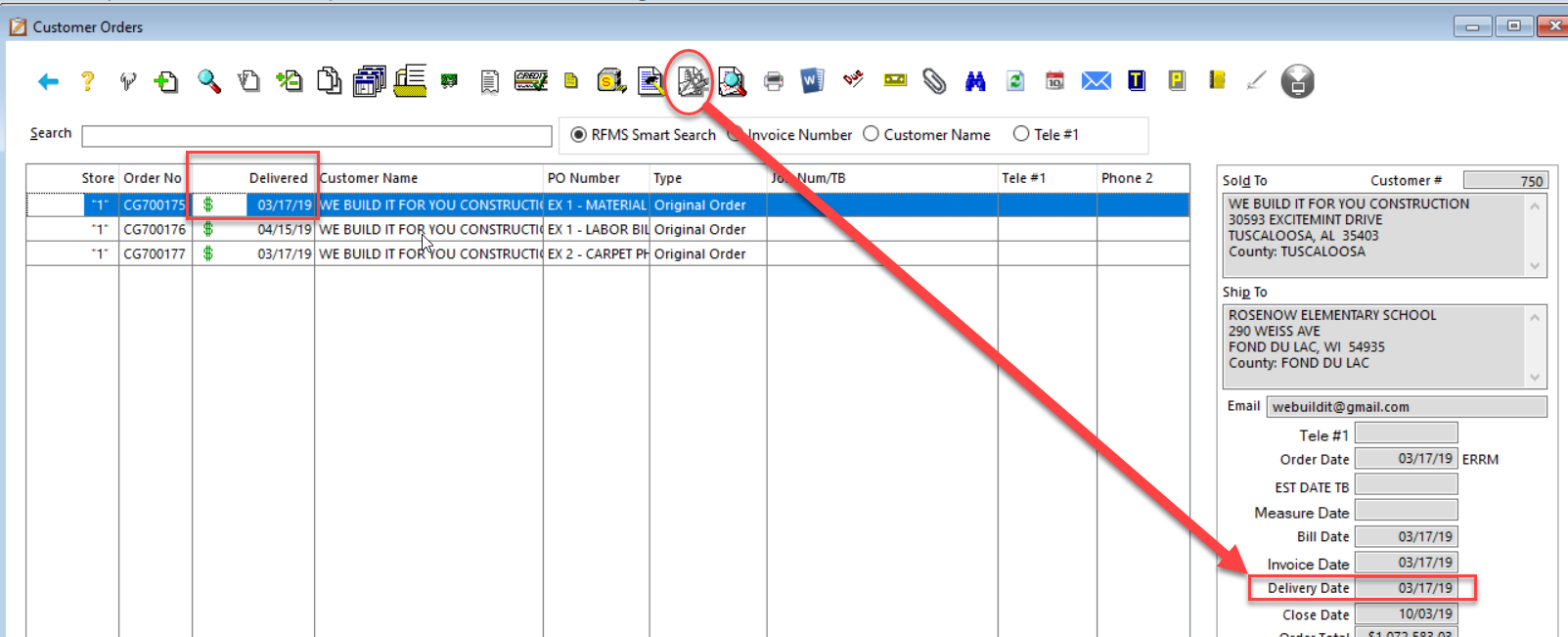
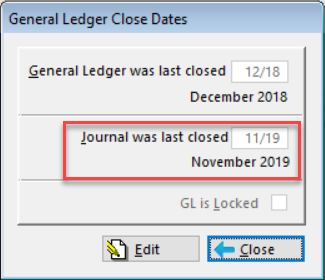
Delivery Date is in a closed Journal month.
Solution:
Open the Journal for the month the Order was Job Costed (Delivery Date). Please be sure to Re-Open the Journal in Accounting > Utilities > G/L Utilities > Re-Open Journal. Then exit Order Entry and Re-Enter Order Entry once the journal has been Re-Opened.
Note: If Finance Charges have been posted to an Order those would need to be Unposted before the Order Can be Un-Job Costed. Accounting>File>Accounts Receivable>Finance Charges, Unpost Finance Charges
Comments
Article is closed for comments.