
We have a new process for uploading client files to RFMS. This document is intended after a backup has been performed. If necessary, instructions for running a manual backup of your database can be found at the following link:
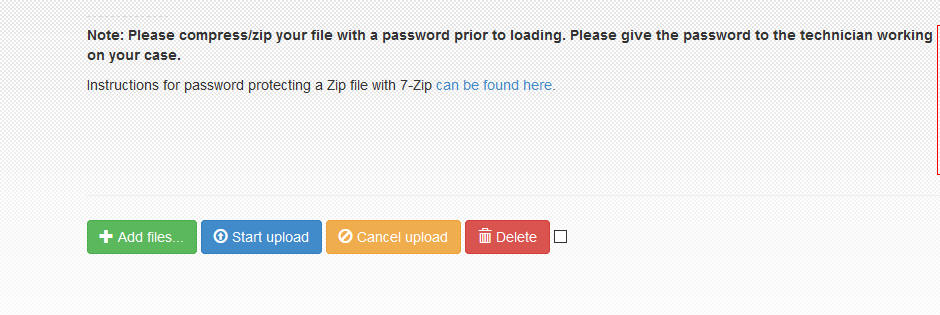
Please compress/zip your file with a password prior to loading. Please give the password to the technician working on your case.
- Have the client go to portal.rfms.com and enter your username and password then click Log in
- Select Upload File

- Click Add Files
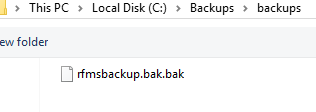
- When the browse screen comes up, browse to the location and highlight the file and select open
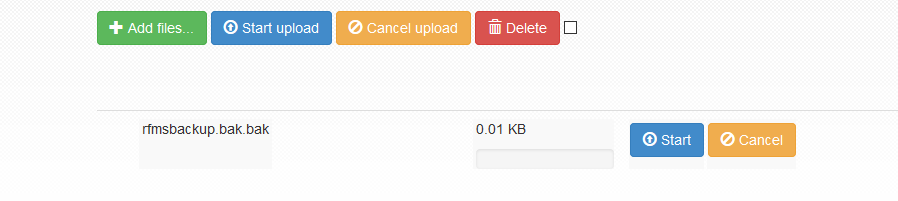
- Click Start to begin the upload process
Comments
Article is closed for comments.