
BidPro>Print Group Button 
This screen allows viewing all lines of an estimate by user-defined areas. From this screen you may sort and label the estimate lines to suit the specific printing purposes using the Layout Names and Groups for subtotaling fields. This screen also displays areas of assigned and unassigned estimate lines.
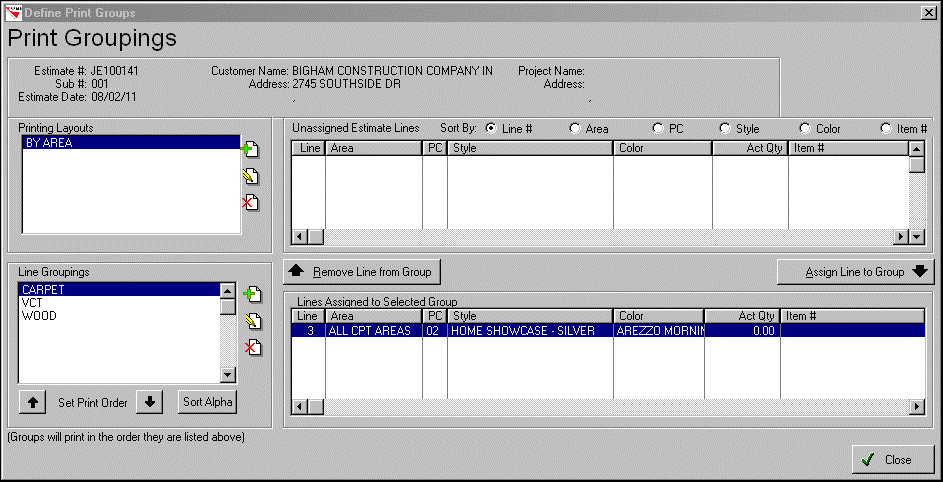
Printing Layouts
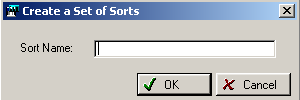
Click on the Insert button to create a new set of sorts (Layout). This option allows you to customize the user-defined areas for printing. You may also change or delete a previously existing LAYOUT name. By setting up these sorts, you will have the option to print a more specific estimate. You may enter as many Layouts as necessary.
Comments
Article is closed for comments.