
Full Color Crossover User Guide
Products>File>Color Crossover>Color Crossover Browse
The following screen will appear.
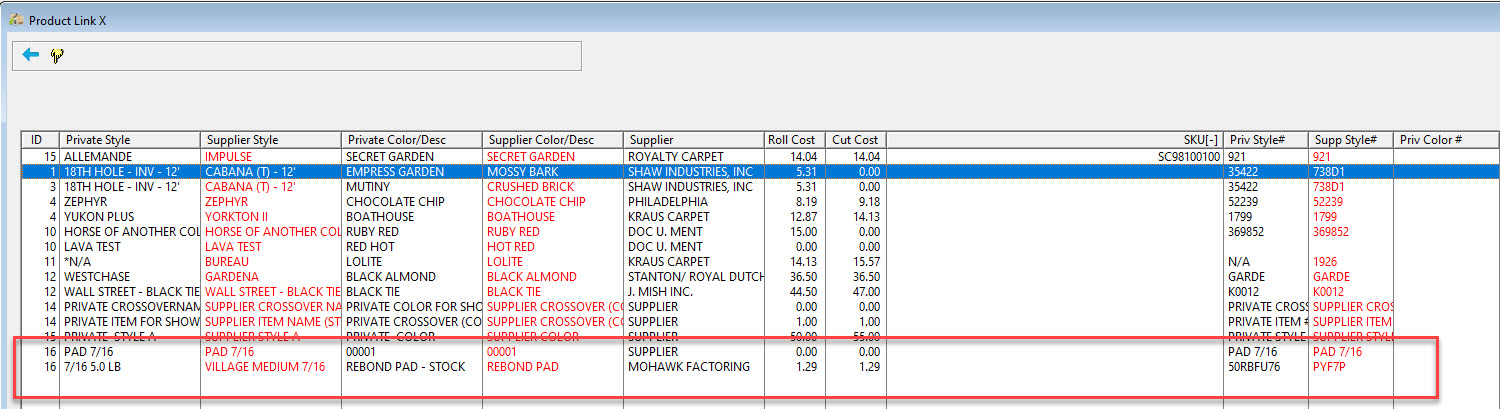
This screen displays all current color links that have been setup.
From this screen view the present color links that have previously been established. To change or add any new links, go to the Color Crossover Setup screen.
Comments
Article is closed for comments.