
ISSUE:
- Error occurs when trying to open RFMS (this error is most often seen after migrating the RFMS folder and database to a new server).
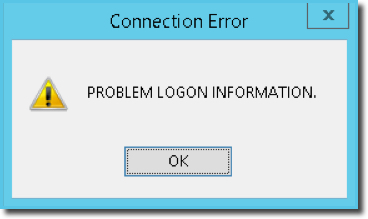
Note: Steps in this article refer to this specific connection error only. If the wording in your error does not match this error EXACTLY do not follow these steps. Instead, scroll to the bottom of this article for information on other possible connection errors.*
Common reasons for this error after migrating are due to one or more of the following steps having been missed in the migration process.
-
The "sa password" was not set up during SQL installation & configuration for RFMS.
- To check this launch SQL Server Management Studio (SSMS) and connect to the SQL Instance.
- In Object Explorer, expand Security, expand Logins, right-click sa, and then click Properties.
- On the Status page, in the Login section, is Enabled selected?
- If not, select Enabled, then go to the General page, create and confirm a password for the sa login.
-
SQL was not installed in Mixed Mode (SQL Server and Windows Authentication).
-
To check in SQL Server Management Studio Object Explorer, right-click the Server Name, then click Properties.
-
On the Security page, under Server authentication, is SQL Server and Windows Authentication mode selected?
- If not, select it and click OK.
-
In the SQL Server Management Studio dialog box, click OK to acknowledge the requirement to restart SQL Server.
-
In Object Explorer, right-click your server, and then click Restart. If SQL Server Agent is running, it must also be restarted.
-
-
Steps for recreating RFMSLOGON were not completed during migration of database.
- Instructions for recreating the RFMSLOGON account can be found in the article, Backup and Migrate RFMS and Database > Step 2: Create RFMSLOGON.
For further details, please review the instructions in the articles, "Install and Configure SQL," and "Backup and Migrate RFMS and Database" found at the following link:
Please contact the Help Desk for assistance if you are getting this error and it is not related to an RFMS migration.
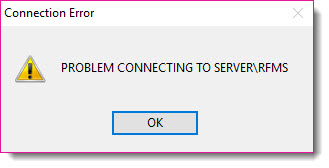
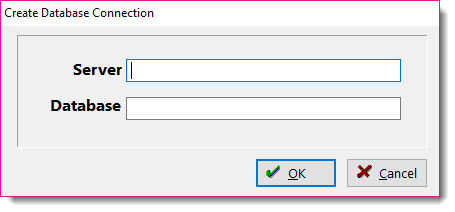
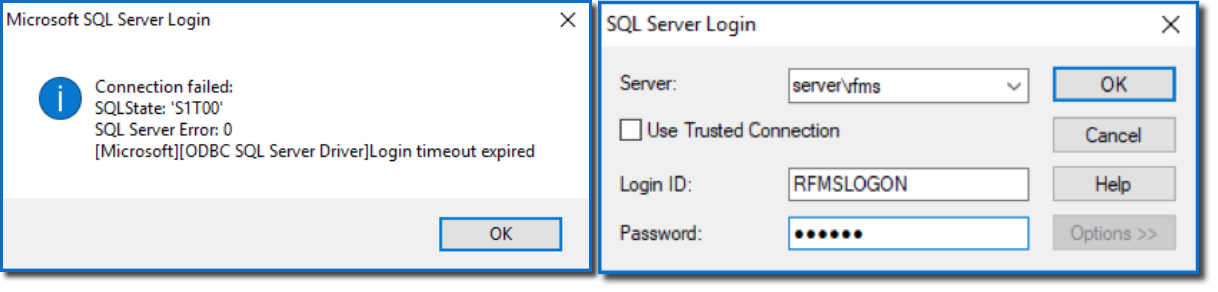
*Click on the following images for information on these types of Connection Errors:
Comments
Please sign in to leave a comment.