
Sales Reports> File>Sales Budgets
This feature allows you to create a sales budget for the upcoming year for sales representatives. You can base these figures on past sales so that you can make a sales comparison on a salesperson by salesperson basis.
How to Configure a Sales Budget:
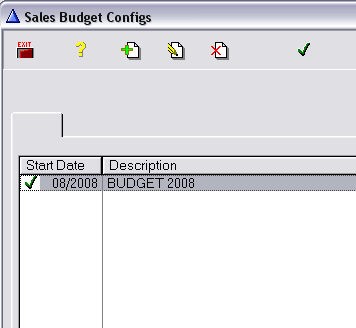
Sales Reports> File>Sales Budgets>Sales Budget Configs
- Click the Insert button. Enter the Sales Budget Information and click OK. You can enter new information, or you can find important information from the previous year and change it by a specific percentage. The information from the previous year is based on delivered sales.

- To make this budget your default sales budget, click the green check mark located on the sales configuration screen.
How to view and print a Sales Budget:
Sales Reports> File>Sales Budgets>Sales Budget
Click the Printer icon to print this sales budget. When printing vs actual, actual numbers are for what was written.

How to edit a Sales Budget
Clicking the Edit button will allow you to change budget amounts on the fly.

Comments
Article is closed for comments.