
Using line commissions will allow figuring commissions on a line-by-line basis.
- Set the system option Allow Line Commissions in to yes order to use this feature.
- Set the line commission amounts for each product sold from the products module.
This process does not have to be completed for each individual product until it is needed.

It is possible to set up commission percentages for groups of products from Price Range Edit.
After an order line is entered by selecting the product record, the default price along with the commission percentage for that price will appear.
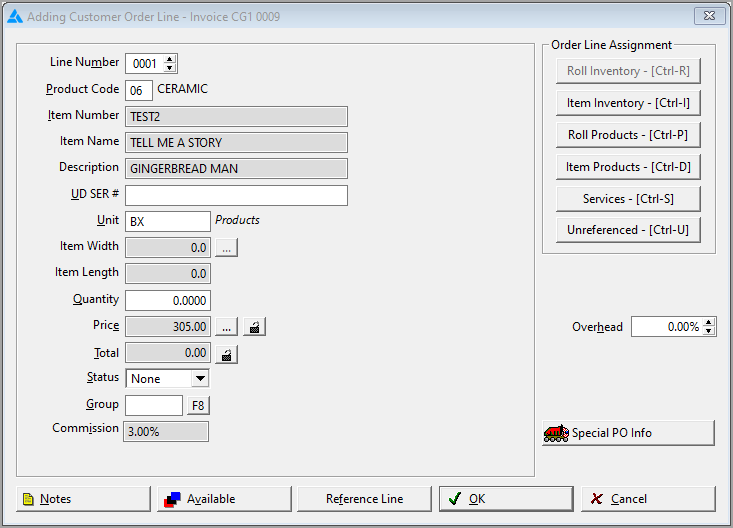
If the defaulted price is changed, the commission price will automatically recalculate if the option Disable Line Commission Editing is set to no.
If no commission percentages are set on a product, the salesperson’s commission schedule will be used for that line.
If your sales representatives are set up as Line Commission salespeople and no commission percentages exist for any lines on a particular order when the order is job costed the lines may be manually changed from line commissions to the salesperson’s commission schedule. It will not default automatically. In order to set up the Commission Schedule, go to Utilities>Commission Schedules.
When a line is added and the material information is taken from Roll or Item Inventory, line commission will automatically appear on the line only if a match is found on a corresponding product record. If there is no match, Line Commissions will need to be entered manually on a line-by-line basis.
Comments
Article is closed for comments.