

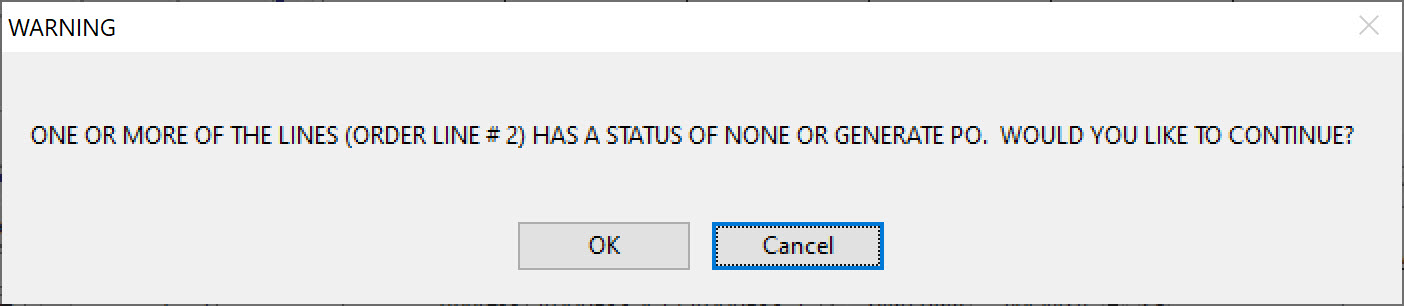
At the time of scheduling and editing a job, a warning can be displayed if all the material lines on a job are not
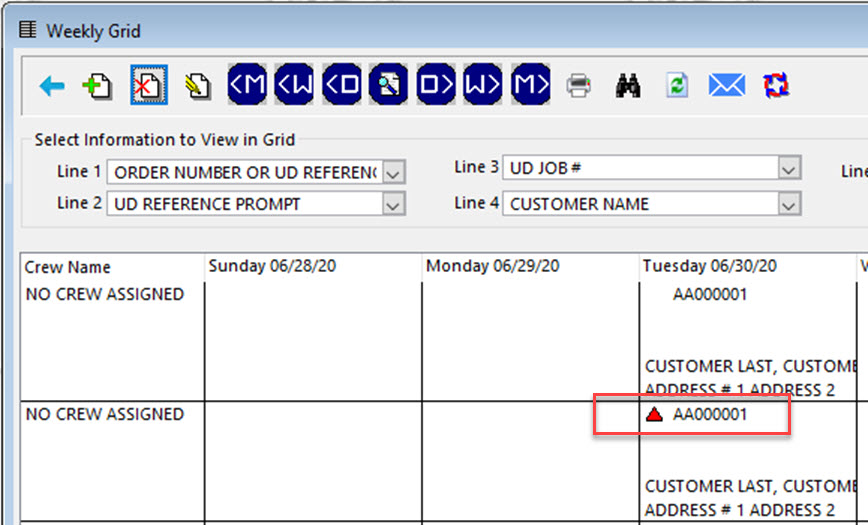
 Schedule Pro can have triangles displayed don the grids to indicate the status of the materials.
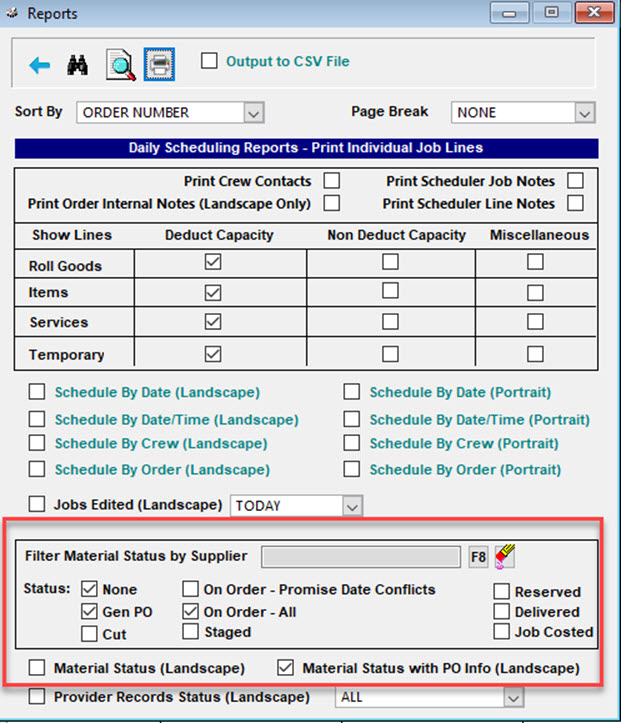
Schedule Pro has a report just for this purpose.
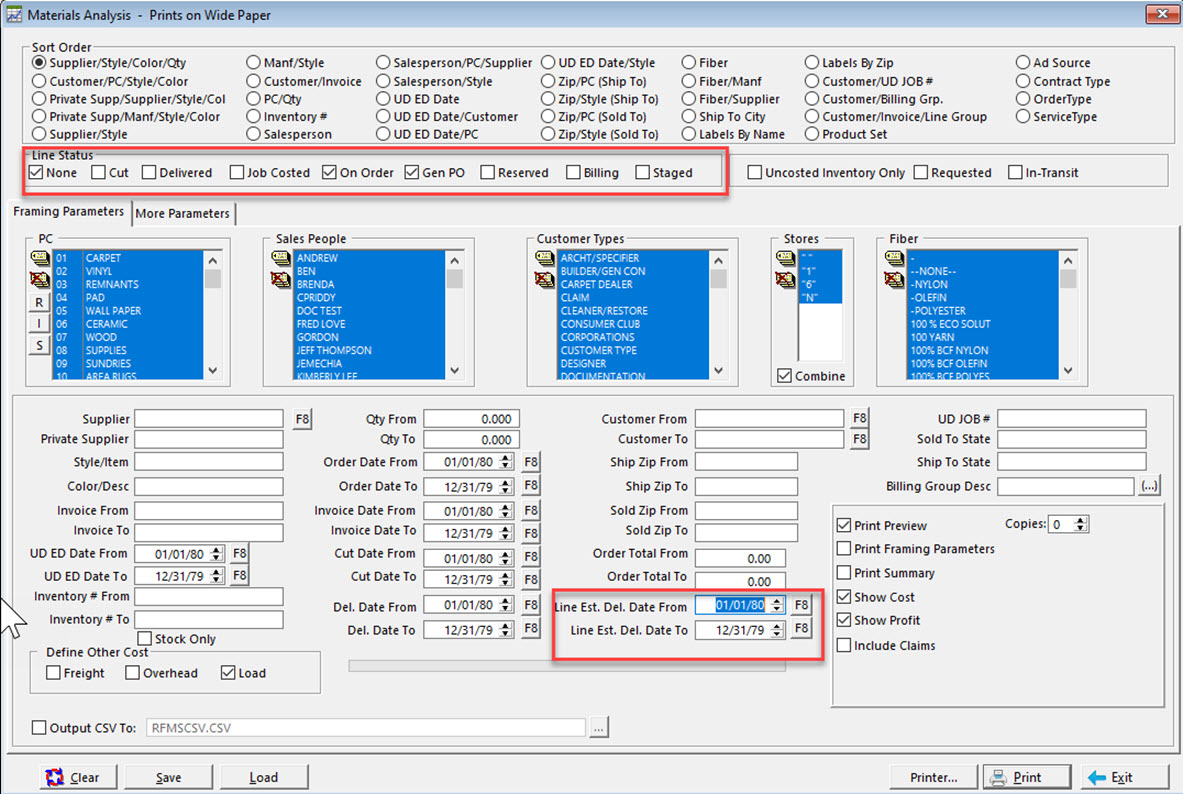
The Materials Analysis report can be run to spot jobs with material status issues.
Comments
Article is closed for comments.