
Customers can have contacts. A Contact is an individual person, who can be related to a Customer, like a Purchasing Agent who works for a builder, or a non-related Contact, like a Mill Rep.
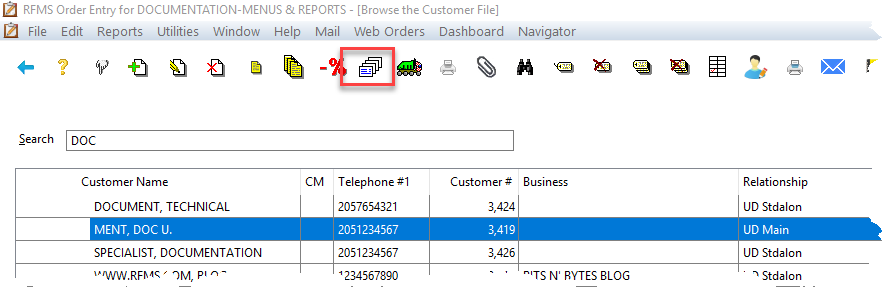
Click the Contact button on the Customer toolbar  .
.
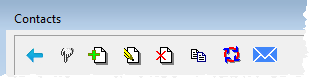
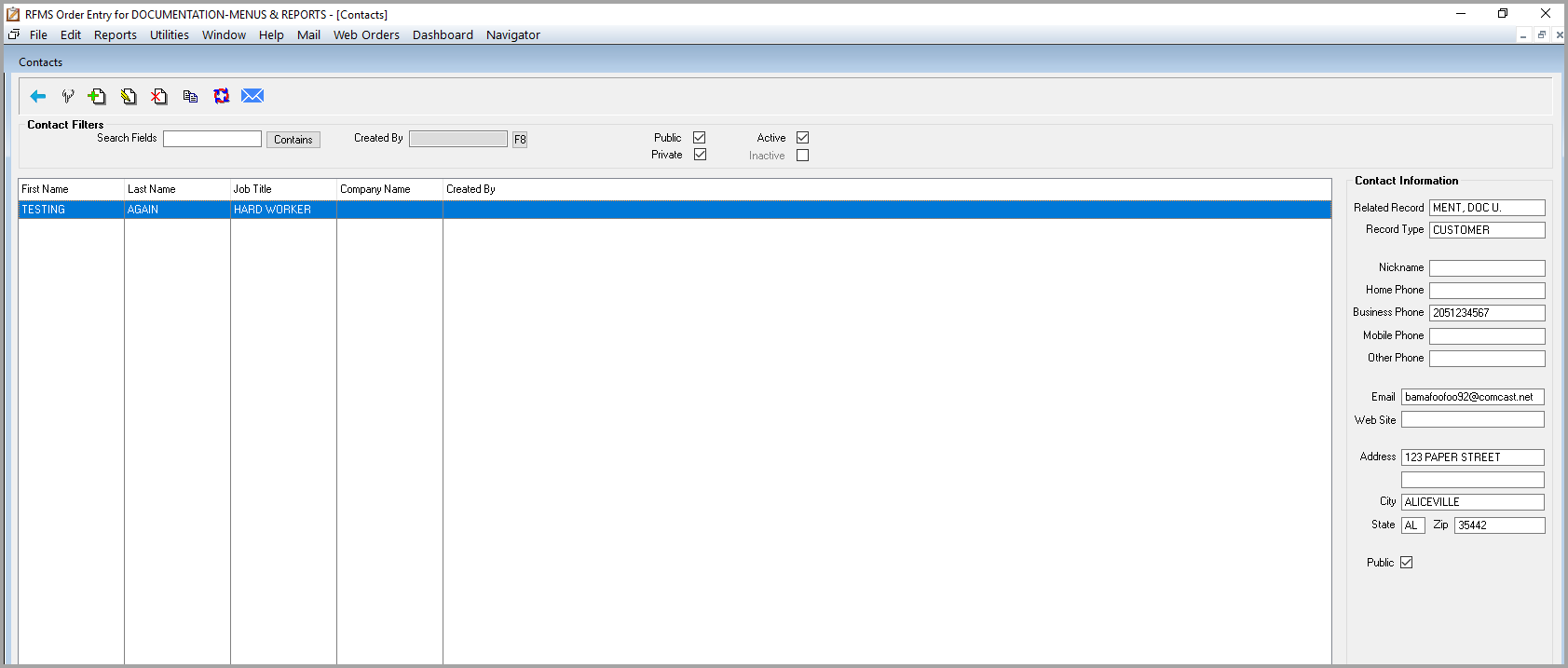
From the Contact screen, a contact can be selected, added, edited, deleted, or copied. An email can also be sent from this screen.
On the Adding/Editing Contact screen, if the contact is to receive statement or invoices by email then the appropriate boxes in the bottom left need to be checked.

Project Manager
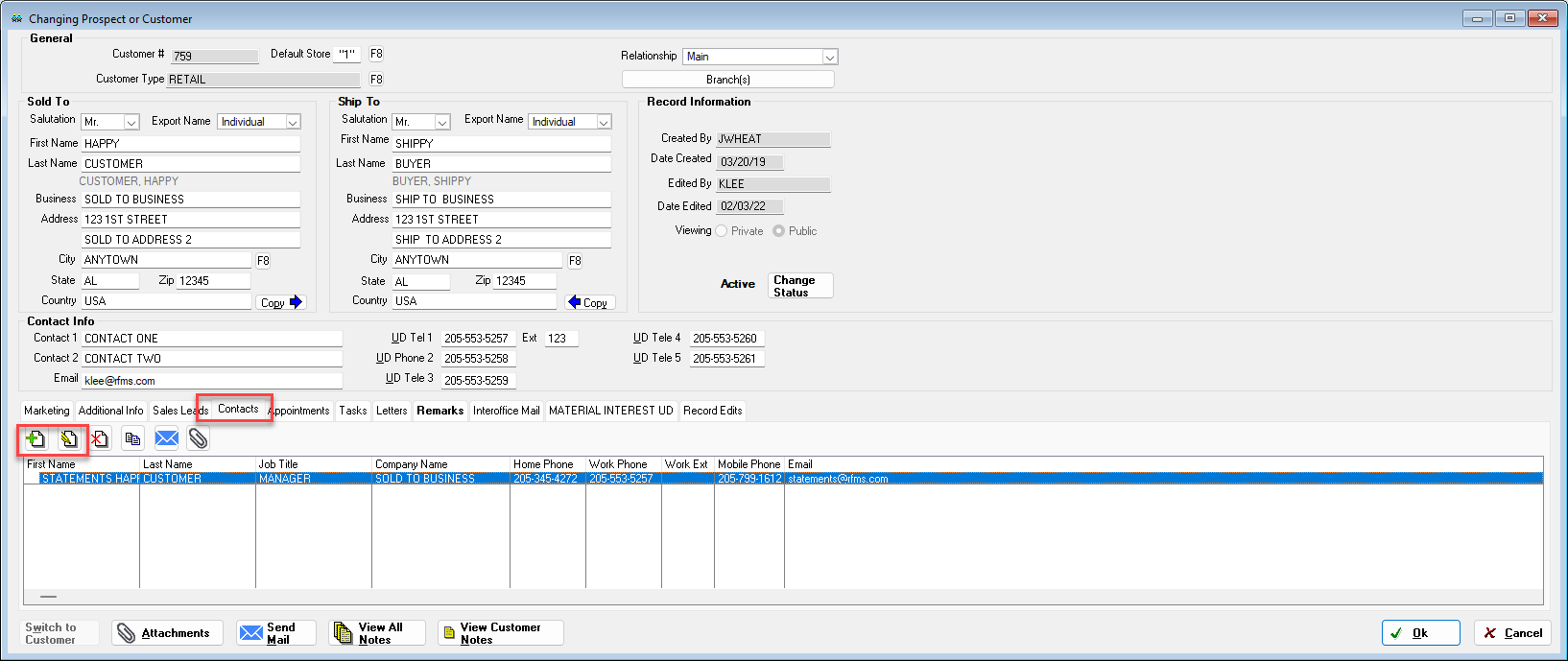
This information is also available via Project Manager by going to
Prospects and Customers.
Contact Tab.
Add or Edit a contact.

If more than one contact is checked to receive statements for one customer record, then all of the contacts will receive the statement email.
If a statement email address is already listed for a customer, it will automatically create a contact for the customer.
Comments
Article is closed for comments.