
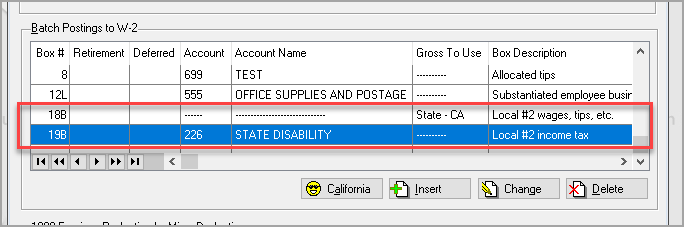
If in the state of California, click on the California button 
which:
- Removes existing box 20B entries
- Places 'CA-SDI' in Locality #2

- Gross to Use is set to State #1
- Asks for the California SDI account for creating individual employee SDI reporting

This information is then shown on the batch posting preview.
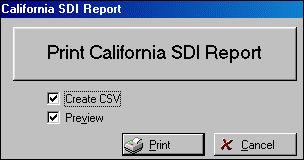
When the generation process is complete the Browse W-2 & 1099 Tax Information screen is automatically displayed. If CA-SDI is detected in the tax forms, a printer button will show up on the browse that is normally hidden. Pressing the printer button will allow printing and create a CSV with the information.
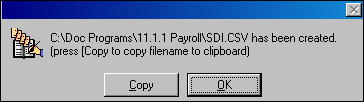
If a .csv file is created the system will display the location allowing copying the information so the file can easily be found.
This report can also be produced from Accounting>File>Human Resource >File>End of Year>Browse W-2 & 1099 Information after the forms have been generated.
Comments
Article is closed for comments.