
FULL PROVIDER RATE MATRIX USER GUIDE
Providers Rates can be set based on skill level. Using this feature requires creating a skill level table.
Note: Set up Skill Levels only if it is one of the ways in which rates paid to a provider will be determined.
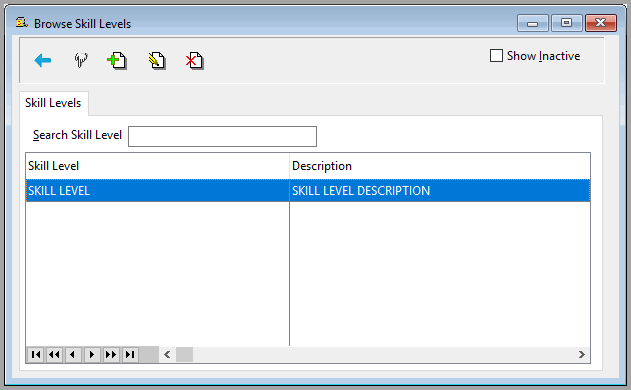
Accounting>File>Human Resources>Utilities>Skill Levels
Click the insert button  to add a skill level.
Click the edit button  to change a skill level.
Click the delete button  to remove a skill level.
On the edit screen check the inactive box to not display a skill level by default.

To display inactive levels on browse lists, check the Show Inactive box on the browse screen.

Comments
Article is closed for comments.