
When preparing payroll for a department, RFMS will "Lock" the payroll to prevent two people from adjusting earnings at the same time.
To release a workstation to a different person, go to:
Human Resources > Prepare Pay > Release Department(s) to another User
A list of departments and available users appears to select. An example is below:
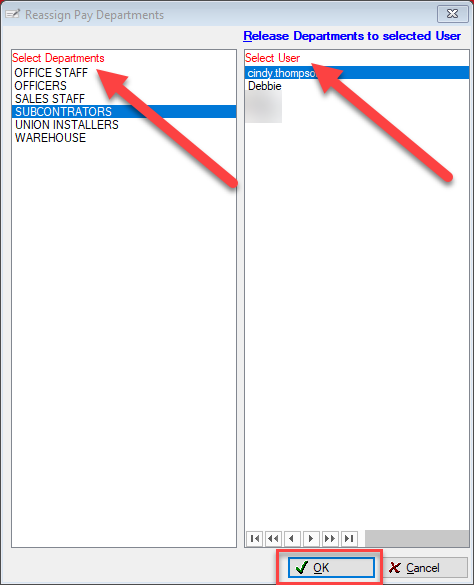
Select the locked department on the left and the user to edit payroll on the right. Click OK.
Note: Please verify the user name before selecting. If a name has been chosen in error that is not available, the only method for release is Release a Workstation for Payroll
Comments
Article is closed for comments.