
Full Customers User Guide
Order Entry>File>Customers>Update Customer Data
Update Customer Data 
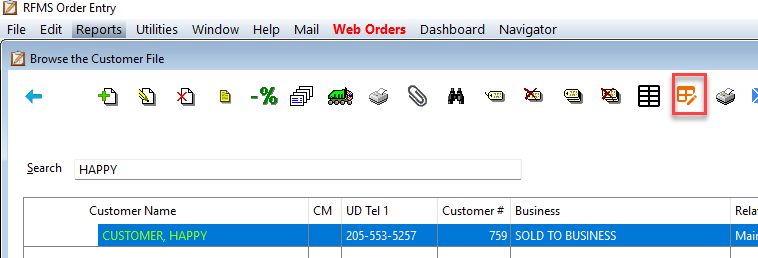
Customer Data can now be updated in a group by using the Update Customer screen. Updates can be made to Quotes, BidPro Estimates, and Customer Information.

Tag the Customer(s) that need to be updated and click the Update Customer Data button. Next, make selections from the area needing updating. On the Quotes and BidPro Estimates tab, the records and be previewed before making the change by clicking Load and Preview.

Click the Update button after checking the information. As the warning states, this change is not reversible. Click Yes if this is the change that needs to be made.

A message will appear listing how many updates were made.


If a change is made to the Customer Record from this screen and then the change needs to be made on Quotes or Estimates, the screen must be exited and reentered to be able to make that change.
If “Sold To Address” and “Ship To Name & Address” are checked under Select Fields to Update, this routine will update the information regardless of the Sold To being locked or Allow Edit of Ship To being set to No.
Comments
Article is closed for comments.