
This is to map a UPC code printed on a product to the R Code used by RFMS Items.
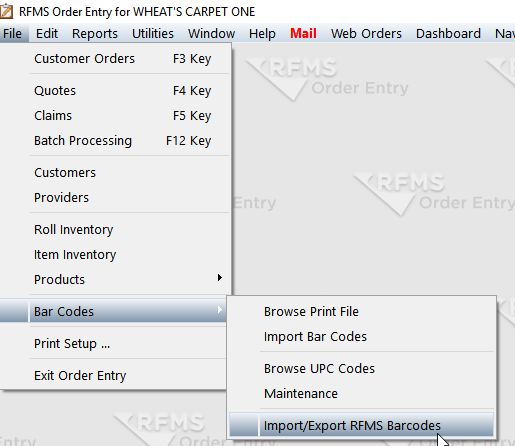
- In Order Entry, go File>Bar Codes>Import/Export RFMS Barcodes
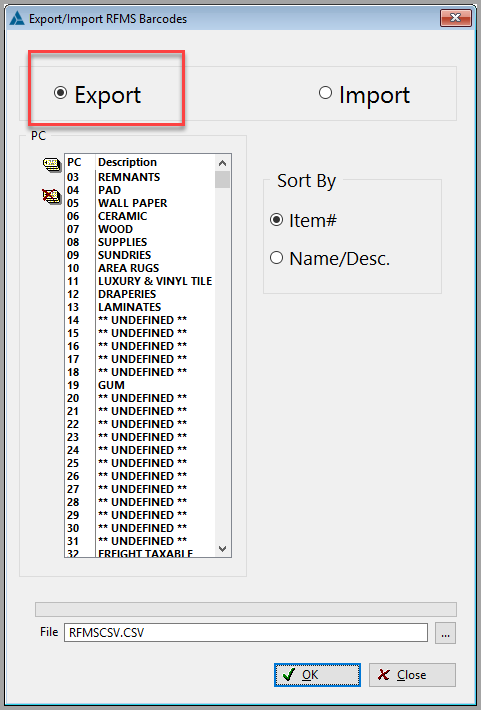
- Click Export and tag the Products that use the UPC code.
- Format the UPC column (Column B) to be text. If you plan on editing this document again save as an .xlsx file. Before importing back to RFMS the file type must be changed back to .csv.
- Type or Scan the UPC in the UPC column on the csv.

- Next, import the csv back into RFMS

Comments
Article is closed for comments.