
Whether or not the Sold to and ship to Information can be edited and when it can be edit are dependent on
This can be set to no automatic lock, lock after initial save or lock after every save.
(This can be over overridden using the lock button on the sold to box. For this reason, that button should have a high level password.)
This option is not available if the Require Order Customer to be in Customer File is set to no.
If set to no, the ship to name can only be pulled in again from the customer file. If set to yes, different information can by typed directly into the customer order.
Lock Buttons which can be password protected ( Sold to only)
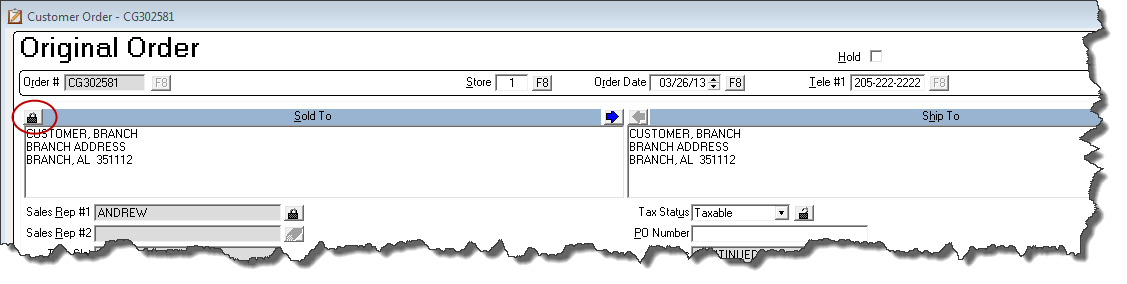
Click the lock button to unlock the sold to information and edit it.
The Status of the Order
After job costing (non ERRM) or delivery (ERRM), the Sold To is automatically locked and must be unlocked via the lock button to be changed.
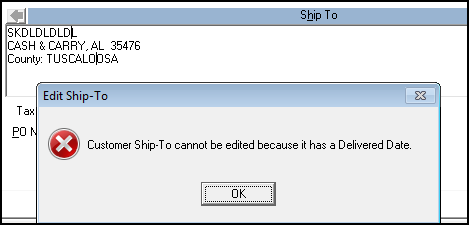
The Ship To cannot be changed without un-job costing or undelivering the order because tax information could have been calculated based on this information.
Comments
Article is closed for comments.