
Adding Accounts Payable Invoices
Accounting>File>Accounts Payable>Add/Edit Payables>Display Inventory button 
Displays a listing of inventory purchased on the highlighted invoice.
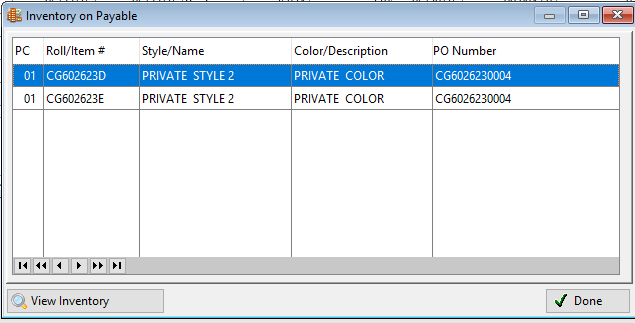
Figure Inventory on Payable screen
View Inventory  :
:
Clicking this button displays the inventory record.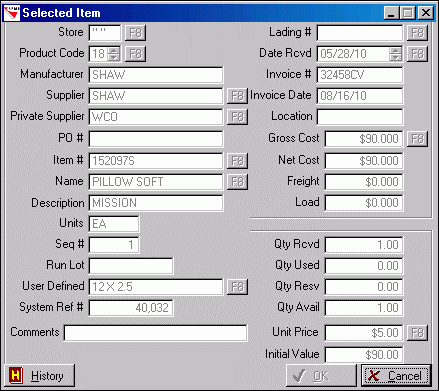
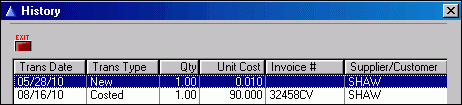
History: Clicking this button displays the history for the inventory record.
Comments
Please sign in to leave a comment.