
Inventory>Reports>Purchase Order Summary Report
This report allows you to print a more detail listing of purchase orders. A number of options are available to allow you to customize the report according to your needs.

Stores
Choose one or more store or all stores by tagging. Selecting combined will total all chosen stores together.
Product Code
Print a single product code, all product codes or a combination of many. Click the Tag All button to select all, or single click individual product codes.
Status
Click on a status to select. You may choose more than one status for a combination report.
Supplier
F8 to add a supplier from the Supplier file.
PO Number
The first field is the Purchase Order Number and the second field is the Line Number.
From and To Fields
To print within a range, specify the beginning and ending criteria.
Print Fields
Check the boxes for the different parts that will be printed on the report.

Print Preview
Select to view the report on the screen before printing.
Condensed Purchase Order Layout
To print a condensed version of this report, check this box.
Regular Version
Prints each Purchase Order on one page
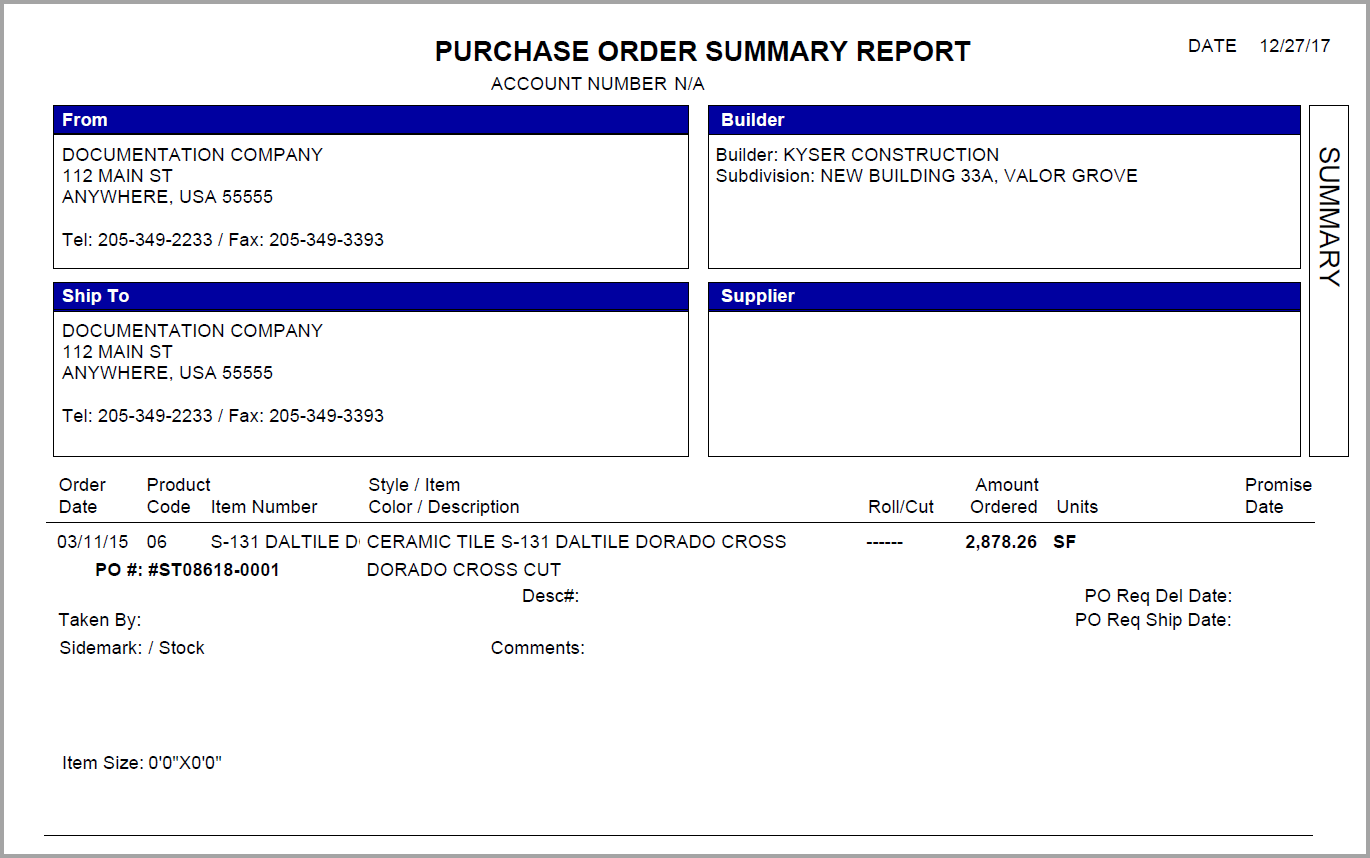
Condensed Version

Output to CSV
The file name and location can be user designated. The output to file option could include fields not included on the printed report due to space constraints.
Printer
Click the ellipses button to choose a printer.
Comments
Article is closed for comments.