
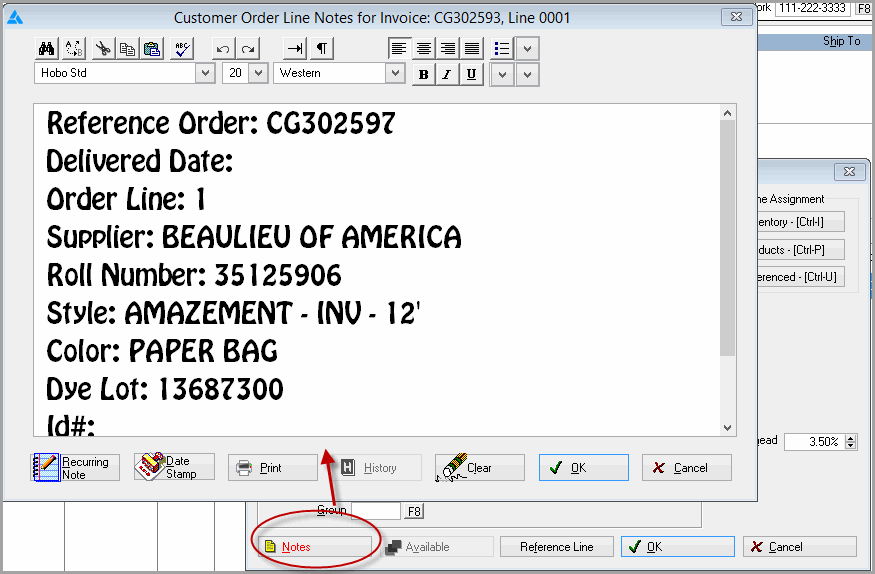
When adding a line, a line on a previous order can be referenced. This is useful for service calls on items under warranty or for claims repair. Click the reference line button  to search Order Entry and pick the line from the previous order. A line note is then created giving the information about the referenced line.
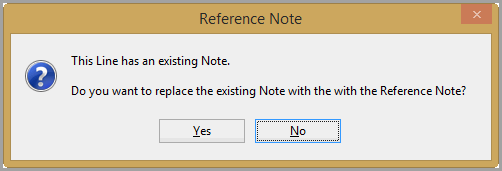
If there is an exisiting note one the line, the following warning will appear.
To view the Reference Note, Click the notes button.
Comments
Article is closed for comments.