
Accounting>Utilities>G/L Utilities
The Journal Summary routine allows the user to confirm the Journal is in balance.
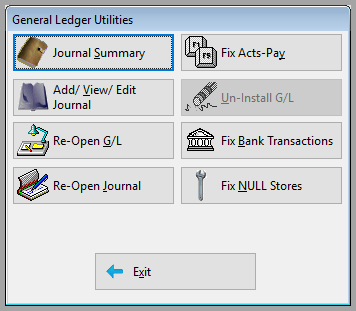
Clicking Journal Summary will open the following dialogue.

After execution, the following dialogue will display. Other results will require further investigation.

Comments
Article is closed for comments.