
Inventory>Utilities>Batch Roll Adjustment
Batch Roll Adjustment can be used to scrap rolls instead of doing it individually. Rolls less than the amount entered will be automatically adjusted.
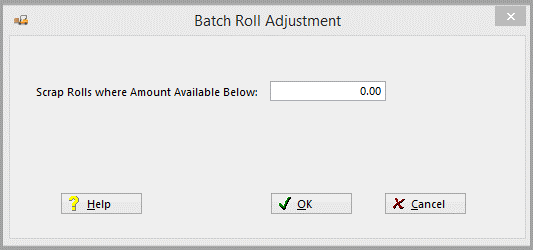

A warning will be given if the amount enter is over 10.
For the adjustment to be made it is required to meet the following criteria:
- Received prior to Today’s Date
- Amount available greater than zero and less than the amount entered
- Invoiced (Costed)
- Amount reserved equals zero
- Roll cannot have ANY order assignments except Job Costed
The Adjustment date will be set to Today’s Date.
Comments
Article is closed for comments.