
Uploading (transfer) scanned inventory data to be reconciled with the RFMS Inventory module is done using the Barcoded Inventory program.
Inventory>File>Barcoded Inventory
1. Depending on the type of physical inventory scanned, click on either Barcoded Rolls or Barcoded Items.
2. Click on the Upload button.
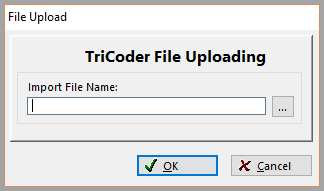
The Upload Method screen displays
Comments
Article is closed for comments.