
Inventory>Reports>Item and Roll Range Reports

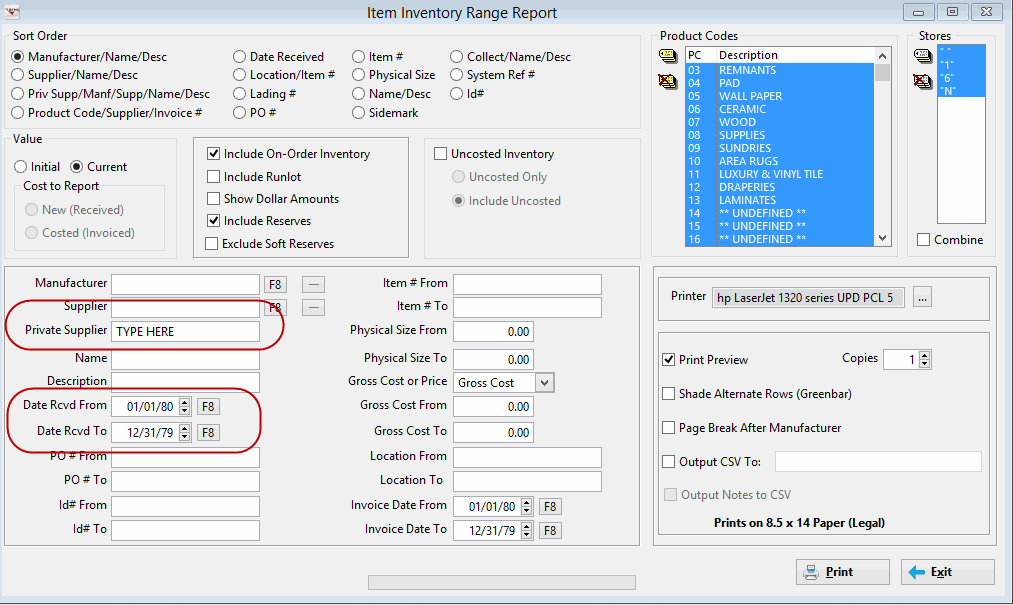
Choose by Private Supplier and enter correct date ranges.
Click Output CSV To:. This creates an Excel Spreadsheet type format.
You need to check the Preview and Output boxes.
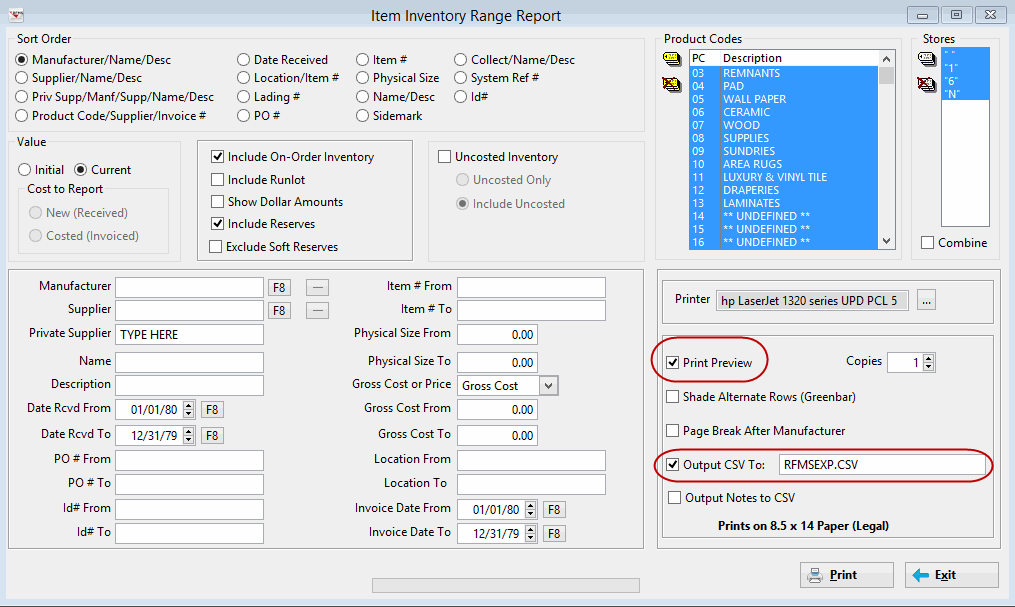
Click print. The preview shows first. If you don't want to print, hit red X to end. Go to RFMS Directory and find it to send where it needs to go.
To ensure the private supplier is correct for this report use the Private Supplier field on an inventory record. The Private Supplier can be edited during receiving/costing.
The System Option Allow Change of Private Supplier While Costing must be set to yes to enable this.
If they are only basing rebates on material that is Costed (A/P posted and paid) then that should be their print criteria when producing the range reports.
Comments
Article is closed for comments.