
PDF History is a way to store a report into the sql database using pdf formatting. The entire report is stored directly into a PDF History table in the database.
There is no external file. Therefore it cannot be accidentally moved or deleted.
When viewed it will always be reproduced the exact same way as when it was saved.
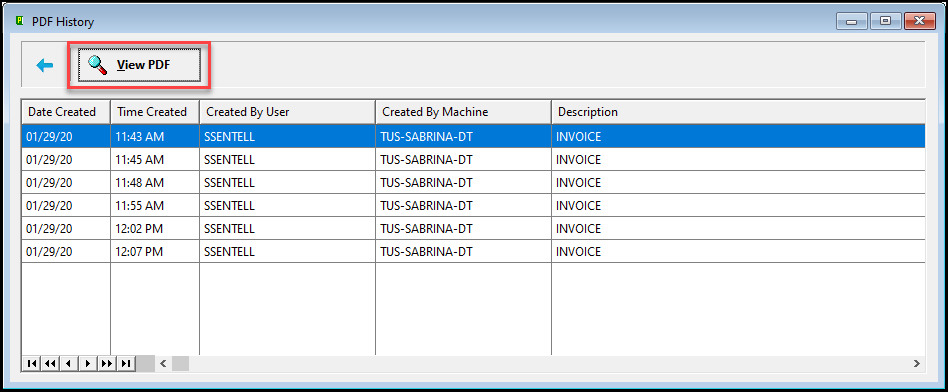
Users will easily be able to browse the PDF History and view each of the reports that have been PRINTED if Save to PDF History is checked on the Print Screen for an order, quote, job etc...

To see the pdf history, click the pdf button  .
.
If there are no pdf files attached the button will be gray. 
To view the actual record, click the view button.
When viewing the pdf, it can be attached to an email for electronic delivery.

- If using Adobe as a printer option, the print quality must be set to less than 1200 dpi for viewing to be legible.
|
IMPORTANT: |
Comments
Article is closed for comments.