
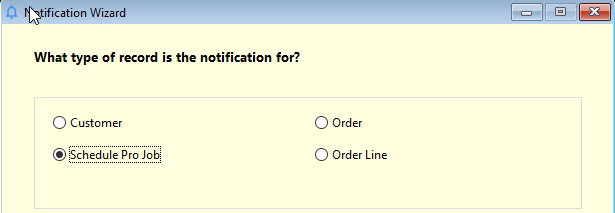
Select Schedule Pro Job for the notification type.
Chose all schedule pro jobs or filter by Store or job type.
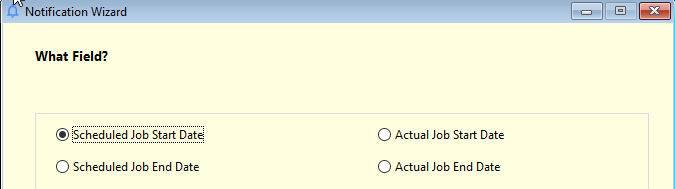
Chose the field that the notification will be based on.
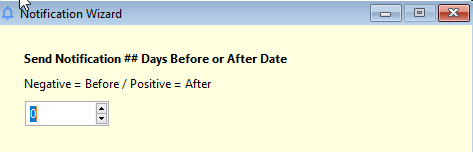
Will the notification happen on the date, before or after the date? Enter a negative number to set it before the date.
Will this notification be for some in the organization(internal) or a customer(external). In our example of Internal, chose the method of delivery.

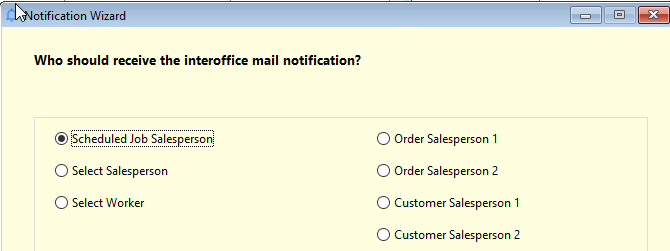
Chose which internal person to notify. Select worker could be to notify the installation manager or some other person who needs to know about all scheduled jobs.
Next enter the details about the message to be sent.
Comments
Please sign in to leave a comment.