
Accounting>File>Banking>Add/Edit Checks>View Payables button

Viewing Checks
This selection displays the A/P invoice information and account code distribution for checks that were posted from accounts payable. After the display screen appears, click the View Payable button to see the actual A/P invoice detail.
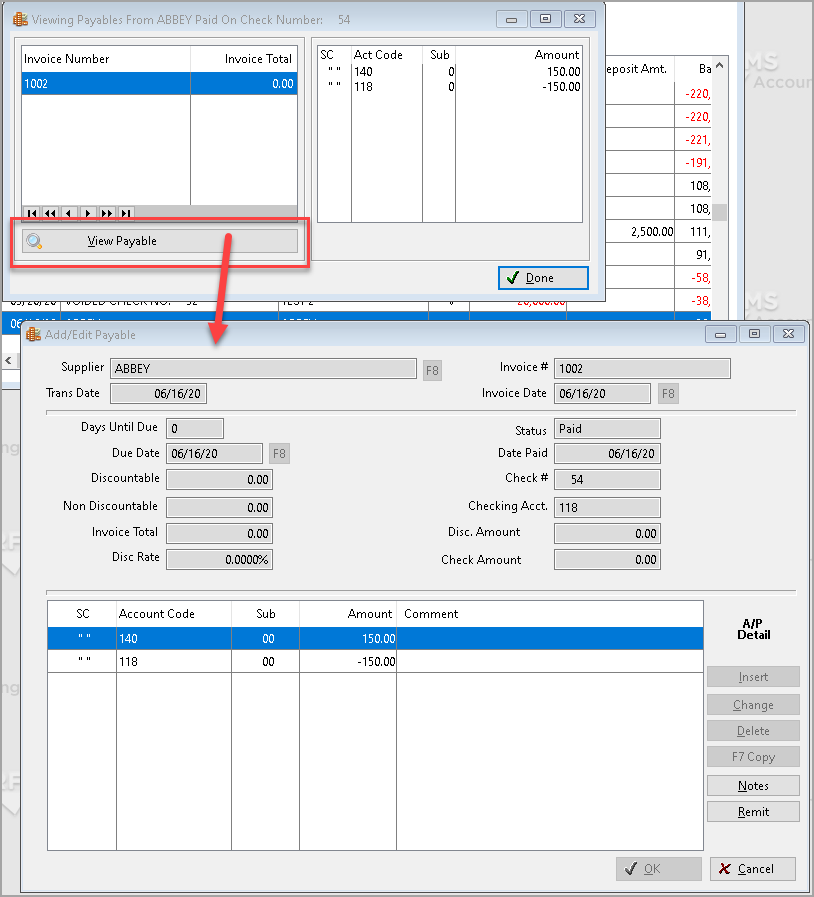
Viewing Bank Charges
When viewing information for a bank charge, the general ledger distribution is displayed. This feature is available beginning with the May 9, 2002 version of Account Payable program. All future bank charges will show the G/L distribution. Bank Charges that were already entered when this version is loaded will not have the G/L distribution.

Viewing Deposits
You can view the general ledger distribution information for deposits that were posted for INCOME OTHER THAN SALES. If you posted deposits with the same deposit number, the G/L distribution information will not display.

Comments
Article is closed for comments.