
Inventory>File>(Roll Inventory or Item Inventory)>History Button 
Activity for an inventory product may be displayed. The transaction type equals the status on the line as it is changed i.e. "reserve, cut, delivered etc"
Example Inventory History
Inventory has only been received.
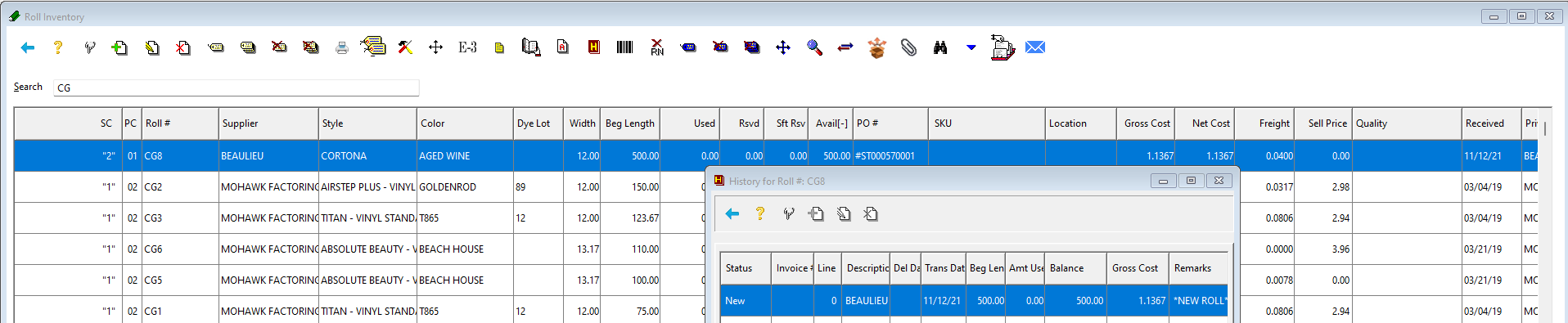
Same Record with an adjustment
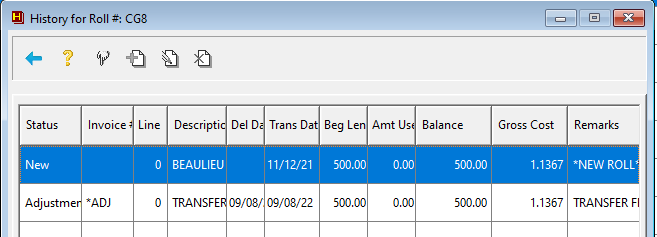
Same Record Costed
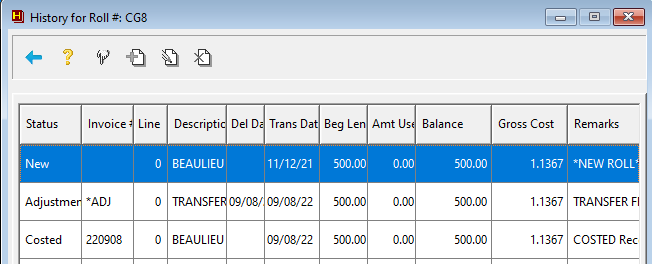
Same Record Material reserved from a customer order.
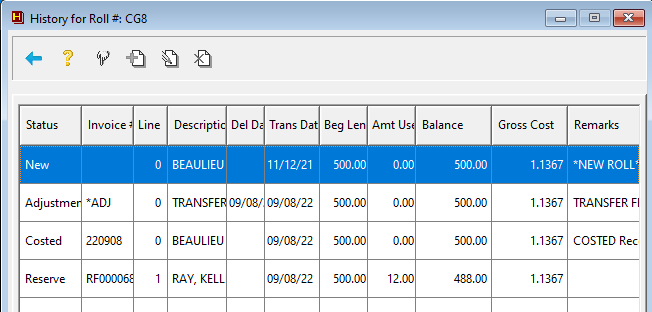
As the line goes through the statuses, the history line follows it.
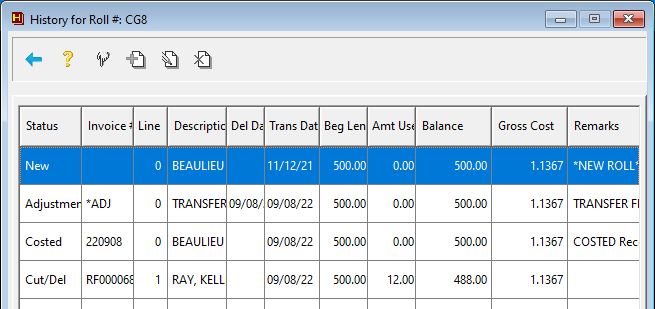
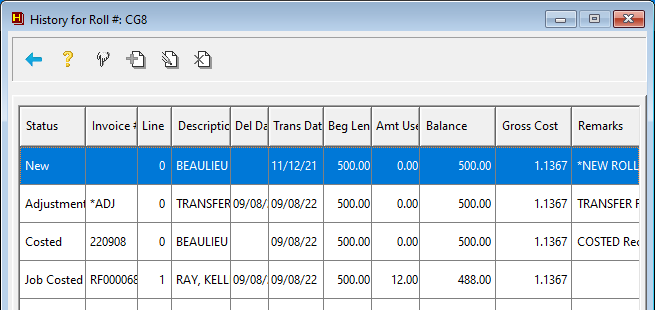
New lines on the history are only added when new order lines use the material
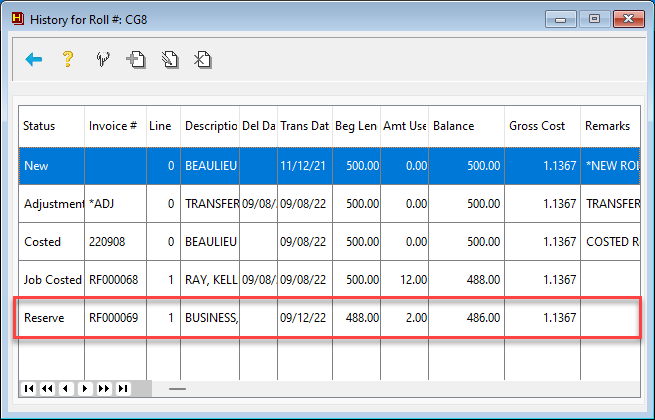
Same Record Material reserved from an additional customer order.
Comments
Article is closed for comments.