
Full Inventory Move User Guide
Set up
Set stores from which a user is able to request inventory in the System Option Inventory Stores Visible to User and Always Show Install Store
Requesting the Inventory
Adding or Editing Order lines
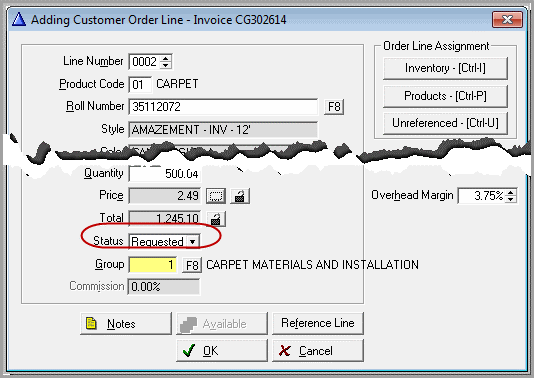
A customer order in one store selects inventory from another store. The line status is requested.
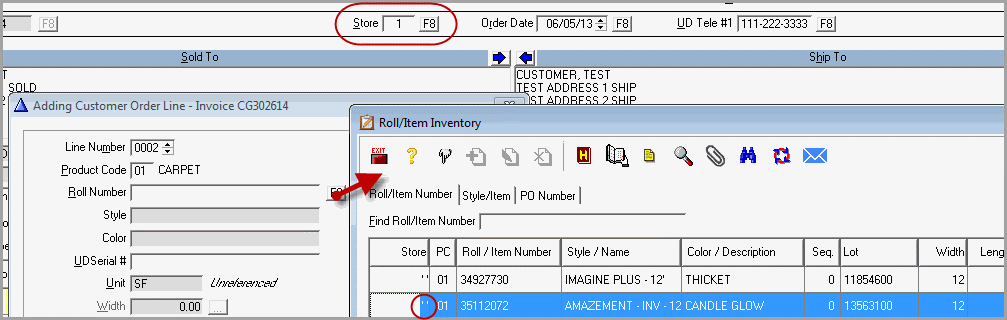
It could be that the installation store is different than either the invoice or inventory store. The requested install store field has been added to accommodate this.
The Requested Install Store Code is at the top of the Order screen if there is a line in Requested status.
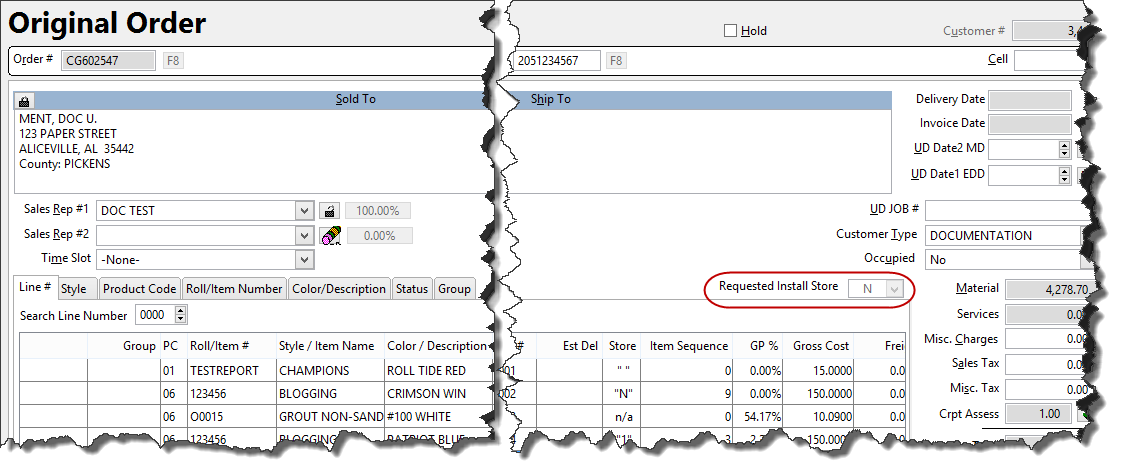
The install store can be different from the Order store; therefore the Order store and Requested store can be the same.
If the Requested Install Store field is being used, the Requested Install Store becomes the Destination Store.
Moving the Inventory
The “requested from store” will have a button in roll inventory and item inventory to see what inventory has been requested.

Tag the record that need to be shipped. Press the Process Button  .
.
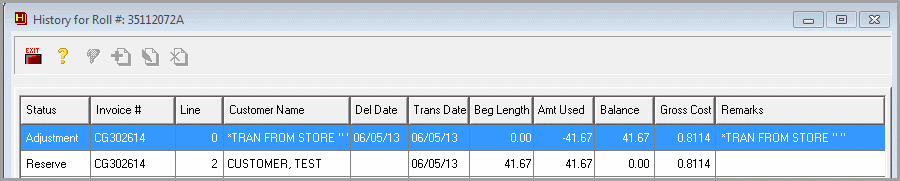
History Records
Old record in requested store.
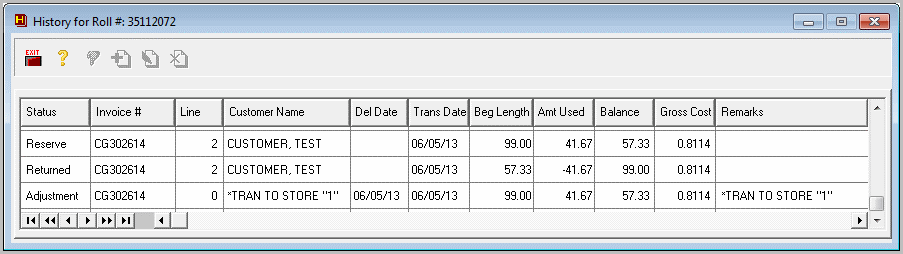
New Record in receiving store.
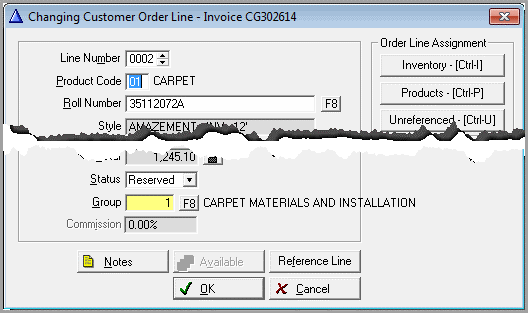
Line Status is now reserved.
Comments
Article is closed for comments.