
ISSUE:
- User tries to open RFMS and gets an error stating, "The program can't start because BASIC.dll is missing from your computer" or "The code execution cannot proceed because BASIC.dll was not found."
- Can happen on Server and/or Workstations
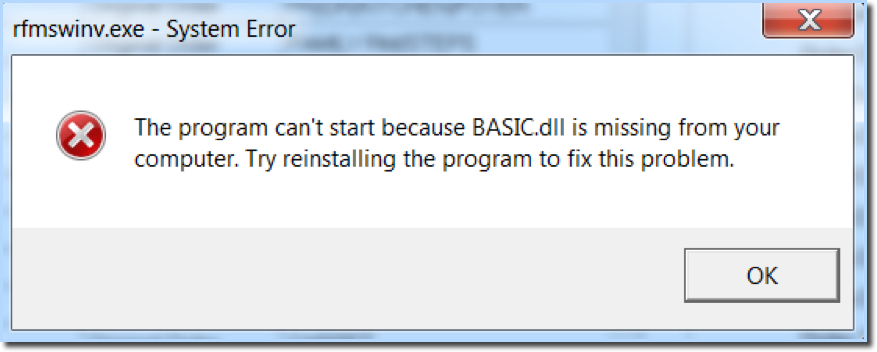
The message, Basic.dll is missing, it means the program is trying to run outside of the RFMS directory, or if an update was just done, the update did not complete properly.
If this error is happening on the server and workstations, and an update was recently applied, re-run the update. Following is a link with instructions for running updates.
If this error is happening on workstations only, create a new RFMS shortcut icon on the user's desktop. Make sure the desktop shortcut is created by mapping a drive to the server, locate the rfmsnav.exe file within the RFMS folder, right-click on this file and select "Send to > Desktop (create shortcut)."
If the workstation continues to get the error after creating a new shortcut, this means the machine cannot access the RFMS files on the server. There are many reasons that this could happen including permissions, antivirus blocking the files, disconnect from the network, etc. Consult with your local technician to address this issue.
Comments
Article is closed for comments.