
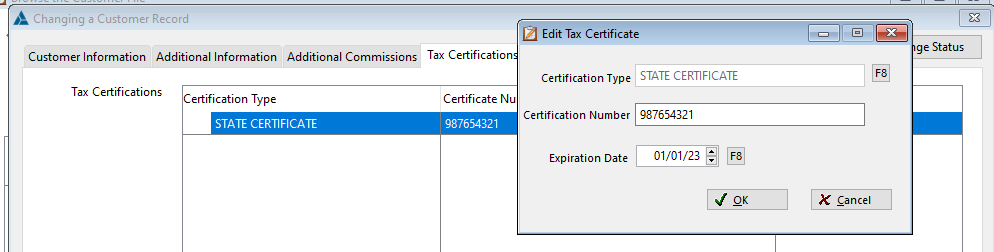
There is a tab on the Customer Record to add, edit, or delete tax certificates for a customer.

When creating an order, the correct Tax Certificate is selected for the user but can be overridden if needed. By selecting None.
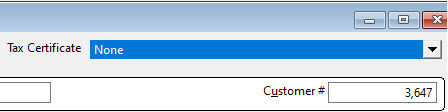
If only one Tax certificate is on the customer record, the one automatically comes in when adding new orders to billing groups. IF there are multiple tax certificates on the customer record, a picklist will appear after entering the customer name. The only certificates that will come over are the Active/Current ones.


Click F8 beside Certificate Type to Select, Insert, Edit, Delete a Certificate Type.

The Tax Certificate tab has also been added to the Additional Shipping Addresses screen in the Customer Record. A Tax Certificate can be pull from the Additional Ship To addresses even if a certificate was pulled from the Sold To.

If there is an attachment on the Tax Certificate, then the attachment icon will appear on the line.

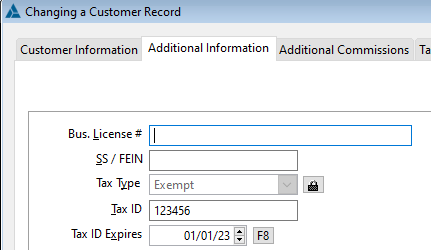
RFMS has two ways to create tax exempt sales based on the customer record. These two methods are not meant to be used together as the reporting and warnings are not consistent between the two.
Tax Type
Tax Certificates
Comments
Article is closed for comments.